
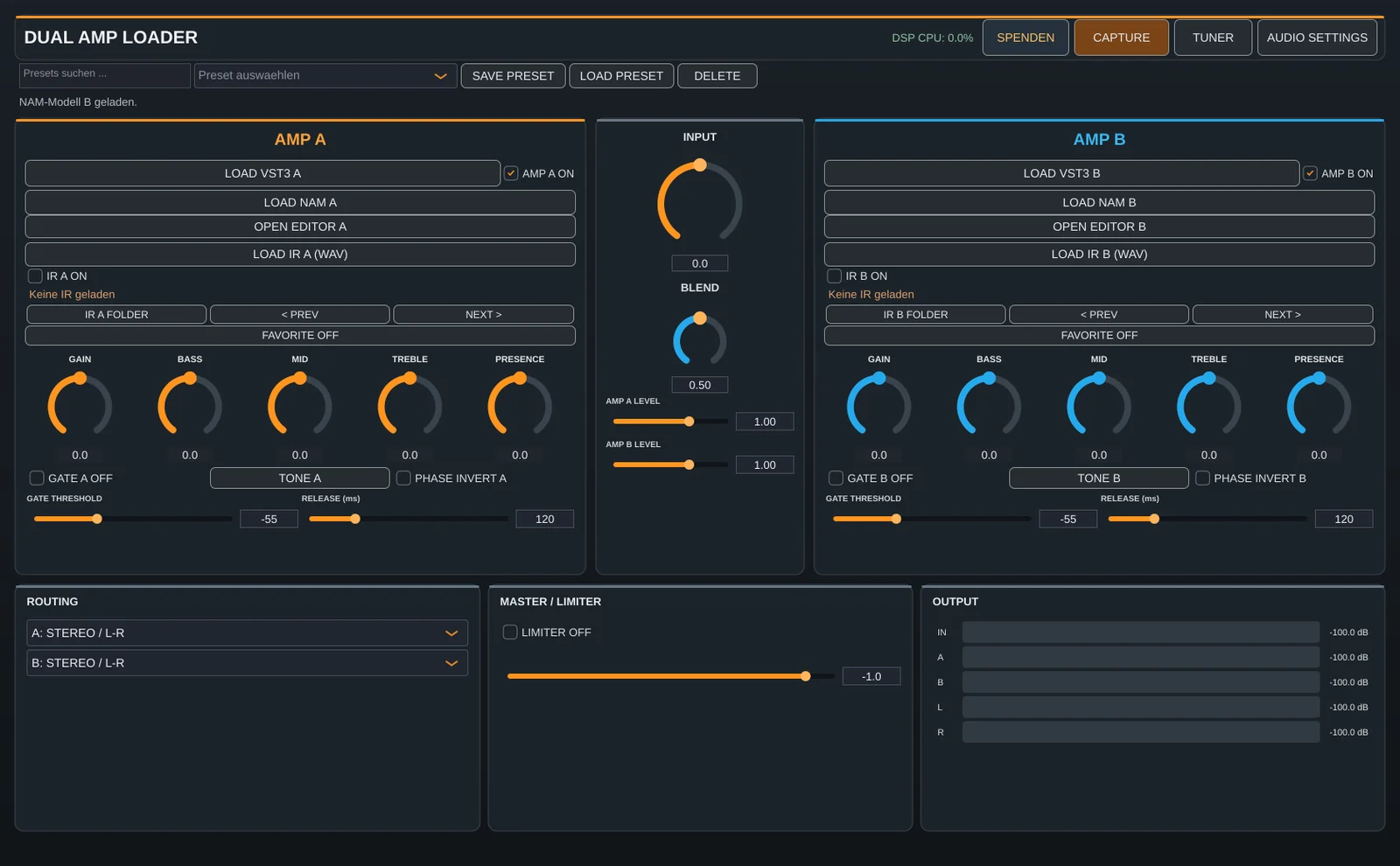
The new version turns Dual Amp Loader from an amp host into a small capture workshop: you can now create your own NAM profiles right in the app, and TONEX picks up the sound through a dedicated driver – no reamp box or virtual audio cable needed.
The Capture Studio
Clicking CAPTURE opens four sections:
- NAM REAMP – capture real amplifiers through your interface, with level test and latency measurement
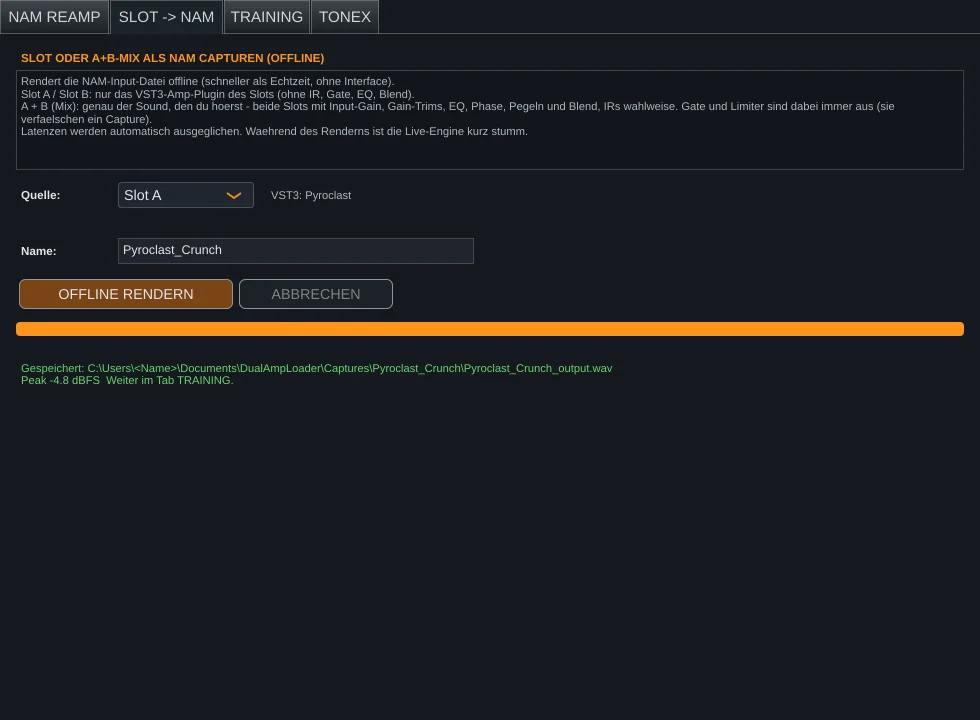
- SLOT → NAM – render slot A, slot B or the mix offline
- TRAINING – set up the NAM trainer with one click and train locally
- TONEX – start the Dual Amp Bridge and capture with TONEX
Training with one click
Until now, NAM training meant installing Python and typing commands. Now TRAINING EINRICHTEN is all it takes: Dual Amp Loader downloads its own Python environment with PyTorch and the official NAM trainer into your user folder. With an NVIDIA graphics card, choose the GPU variant and train in a few minutes. The installer also offers to set this up during installation.
The Dual Amp Bridge for TONEX
The bridge is a virtual ASIO driver installed with Dual Amp Loader. TONEX selects it as its audio device, sends its test signal in and gets the sound of your slot back – sample-accurate and lossless. The bridge tutorial explains it in detail.
More improvements
- Capture the complete mix of slots A and B, optionally including impulse responses
- Offline rendering with a 2-second pre-roll and offline mode for plugins – for clean, reproducible captures
- The latency of offline renders is passed to the trainer automatically
- Progress bar with epoch, ESR and remaining time during training
- Plugins can be swapped while the bridge is running
- New Windows installer with a donate button in the app